








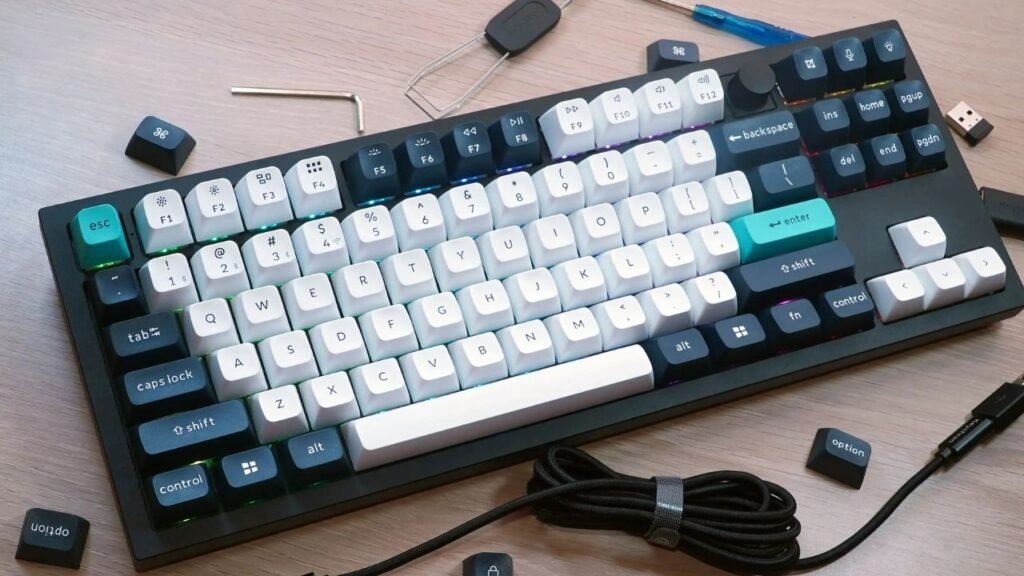
Wireless keyboards and mice are becoming extremely common in today’s world of smart and minimalistic workspaces. As workplaces evolve and people adopt hybrid lifestyles, wireless tech feels more convenient, cleaner, and modern. But like every technology, it comes with both advantages and drawbacks.
If you’re wondering whether you should switch from your wired keyboard and mouse to wireless ones, this guide covers everything you need to know, from performance and usability to cost and long-term value.
Types of Wireless Technology
Bluetooth Connectivity
Bluetooth wireless devices connect directly to laptops, tablets, and smartphones without needing a USB receiver. They’re perfect for people who want maximum compatibility and portability.
However, Bluetooth can sometimes show a slight delay depending on the device quality.
2.4 GHz Wireless Connectivity
This type uses a USB dongle and delivers faster, more stable performance than Bluetooth.
Gamers and professionals usually prefer this type because it offers almost zero input lag.
Multi-Device Switching Technology
Modern wireless keyboards and mice often support up to three devices at once. With just one button, you can switch between your PC, tablet, and phone, making multitasking smoother and faster.
Pros of Wireless Keyboard & Mouse
1. A Clean and Clutter-Free Desk
Wires make a desk look messy, limit your movement, and gather dust. Wireless devices eliminate cables, giving your workspace:
- A clean look
- More room to move
- Better aesthetics
It’s perfect for minimalists and productivity-focused users.
2. High Portability
Wireless peripherals can be carried anywhere your office, school, travel, coffee shop, or home workstation.
Since there are no cables, you can set them up anytime within seconds.
3. Longer Operating Range
Most wireless devices work smoothly from 8–10 meters away, making them ideal for:
- Smart TVs
- Conference rooms
- Presentations
- Large desks or studios
This range flexibility is something wired devices can never match.
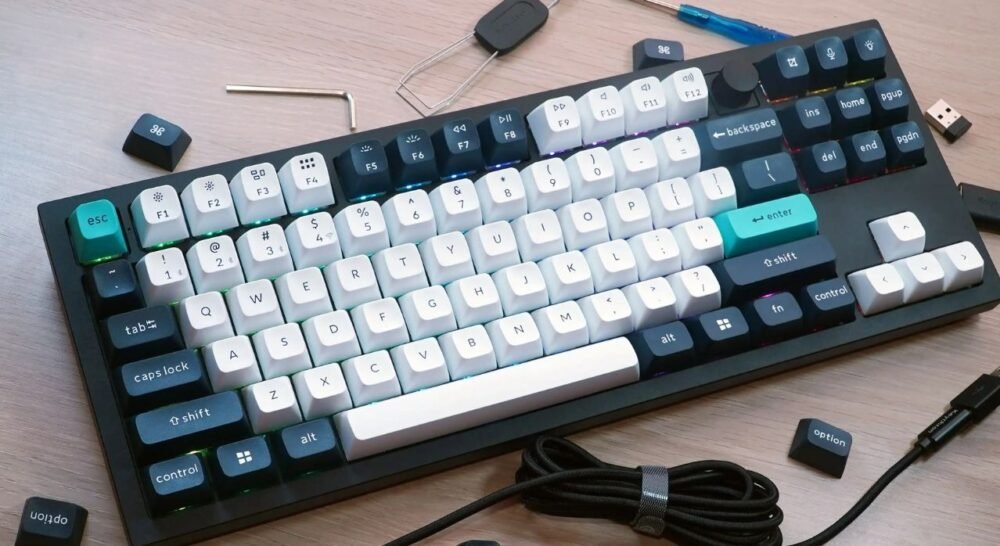
4. Modern Features for Better Productivity
New wireless models often come with advanced features such as:
- LED backlight
- Customizable keys
- Ultra-quiet buttons
- Rechargeable batteries
- Adjustable DPI in mice
- Smart shortcuts
These features improve speed, comfort, and efficiency.
5. Better Typing Experience
Wireless keyboards often offer softer keys, ergonomic curves, softer wrist rests, and smoother switches.
Over long work sessions, this reduces strain on your fingers and wrists.
Cons of Wireless Keyboard & Mouse
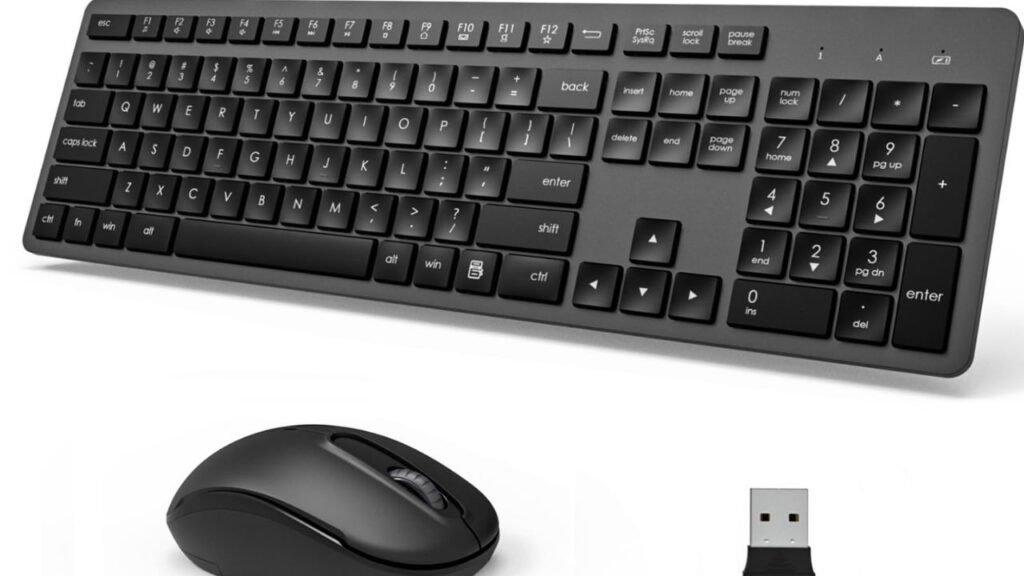
1. Battery Dependence
Wireless devices must be charged or run on AA/AAA batteries.
Running out of battery during important work or gameplay can be frustrating, especially if you don’t have replacements.
2. Potential Wireless Interference
Nearby devices Wi-Fi routers, Bluetooth gadgets, and walls, can sometimes interfere with wireless signals.
This may cause:
- Lag
- Disconnection
- Reduced responsiveness
Although rare with modern devices, it still happens.
3. Compatibility Concerns
Bluetooth keyboards may not connect properly with older computers.
2.4 GHz models require a USB port, and some ultra-thin laptops have limited ports.
4. Higher Price
Wireless keyboards and mice typically cost more because of added hardware, batteries, and wireless chips.
Good-quality wireless sets cost almost twice as much as wired ones.
5. Security Risks
Bluetooth signals can theoretically be intercepted.
Though rare, it still counts as a downside compared to wired devices, which have no wireless vulnerabilities.
Are Wireless Devices Good for Gaming?
Latency: Wired vs Wireless
High-end wireless mice have become extremely fast. In some cases, the latency is equal to or better than wired models.
But budget wireless sets often still show noticeable delay.
Who Should Avoid Wireless Gaming?
- Professional esports players
- Competitive FPS gamers
- Anyone who needs pixel-perfect precision
Casual gamers, however, can comfortably use wireless keyboards and mice without issues.
Are Wireless Devices Good for Office Work?
Productivity Boost
For office work, wireless setups are highly beneficial. They offer:
- Flexible positioning
- Quiet operation
- Easy portability
- Cleaner work areas
They also reduce wrist strain because you can freely adjust positions.
Multi-Device Use for Professionals
If you frequently switch between:
- Company laptop
- Personal laptop
- Tablet
- Smartphone
Then, multi-device wireless keyboards are extremely efficient and save valuable time.
Who Should Switch to Wireless?

Students
Perfect for studying, taking notes, online classes, and working from anywhere.
Office Workers
Ideal for clean desks, presentation setups, and productivity environments.
Content Creators
Creators need flexibility for video editing, drawing tablets, cameras, microphones, and dual monitors.
A wireless setup frees up space and increases comfort.
Casual Gamers
For RPGs, strategy games, adventure games, and simulation titles, wireless is smooth and convenient.
Who Should Avoid Switching?
Professional Gamers
They require ultra-low latency, which wired devices consistently guarantee.
People With Very Tight Budgets
Wireless devices are more expensive, and batteries add an extra cost over time.
Tips for Choosing the Right Wireless Keyboard & Mouse
1. Battery Life
Look for:
- Rechargeable models with fast charging
- Long-lasting AA battery models (up to 12 months)
2. Connection Type
Choose:
- 2.4 GHz for gaming
- Bluetooth for portability
3. Comfort & Ergonomics
Check for:
- Wrist rest
- Silent keys
- Comfortable curves
- Soft clicks
4. Additional Features
Consider features like:
- RGB lighting
- Customizable shortcuts
- Multi-device support
- High DPI sensors
5. Budget & Requirements
Don’t overspend.
Buy according to:
- Your needs
- Usage frequency
- Work or gaming style
Final Verdict: Is It Worth Switching?
Yes, for most people, switching to a wireless keyboard and mouse is absolutely worth it.
They provide freedom, comfort, mobility, and a modern feel that wired devices can’t match.
However, if you’re a competitive gamer or on a tight budget, sticking to wired might still be the smarter choice.
Conclusion
Wireless keyboards and mice have undergone significant evolution in recent years. They offer better portability, cleaner workspaces, and impressive performance improvements. With advanced features, multi-device support, and ergonomic designs, they are perfect for modern users.
While they do have limitations, such as battery usage and higher cost, their benefits generally outweigh the drawbacks, especially for students, office users, content creators, and everyday computer users.
Switching to wireless is a smart, future-proof move for most people.
FAQs
1. Are wireless keyboards safe to use?
Yes, modern wireless devices use encryption, making them safe for general use.
2. Do wireless devices work well for gaming?
High-end wireless mice are great, but competitive gamers still prefer wired.
3. How long do batteries last?
Rechargeable models last 30–60 hours, while AA models last up to 12 months.
4. Can I connect a wireless keyboard to my phone?
Yes, Bluetooth keyboards connect to both Android and iPhone easily.
5. Is wireless better than wired for everyday use?
Yes, for regular use, wireless is more comfortable, flexible, and convenient.