




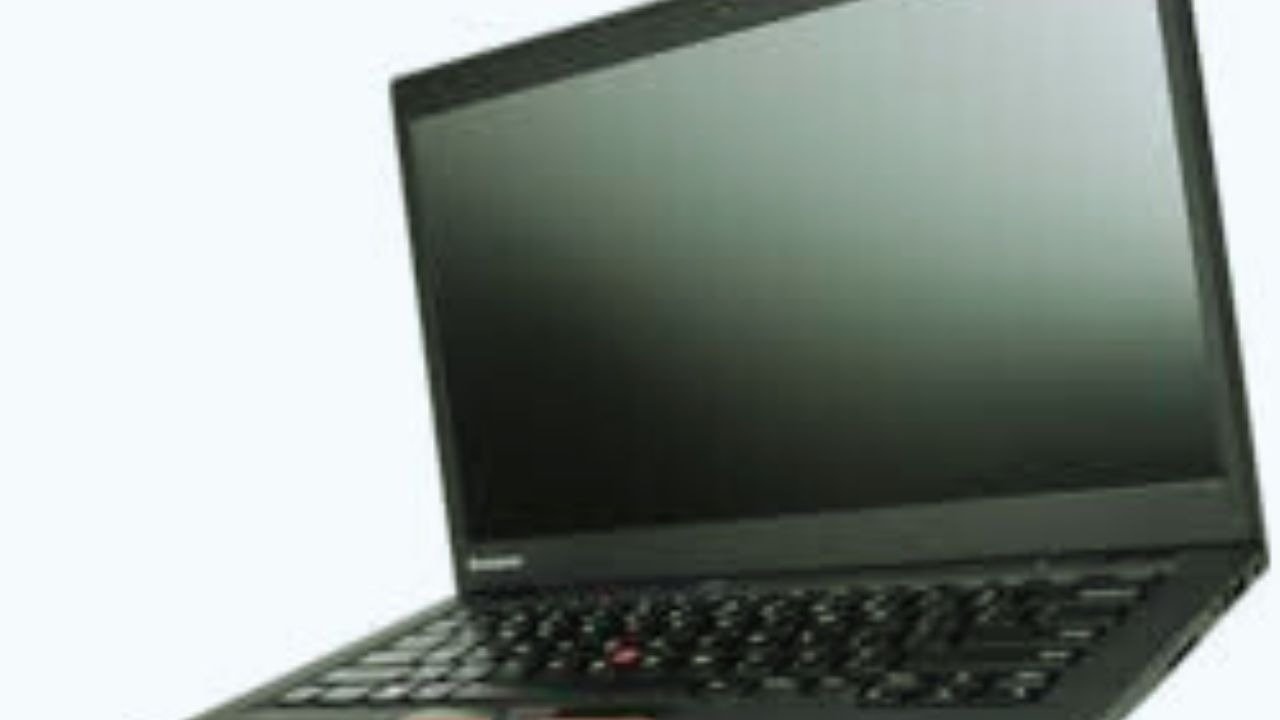
Lenovo ThinkPad is a long‑running laptop brand originally developed by IBM and now made by Lenovo. ThinkPads are known for their durability, excellent keyboards, strong security features, and business‑ready performance. They are used widely in offices, enterprises, universities, and by professionals.
Many professionals choose a ThinkPad for its reliability and performance.
Key ThinkPad Series
ThinkPads come in several major series tailored to different types of users and computing needs:
The ThinkPad X1 series takes premium features to new heights.
Lenovo ThinkPad X1 series Premium & Ultra‑Portable
- Flagship business laptops lightweight, thin, and powerful.
- Often include high‑resolution displays, all‑day battery life, and premium materials.
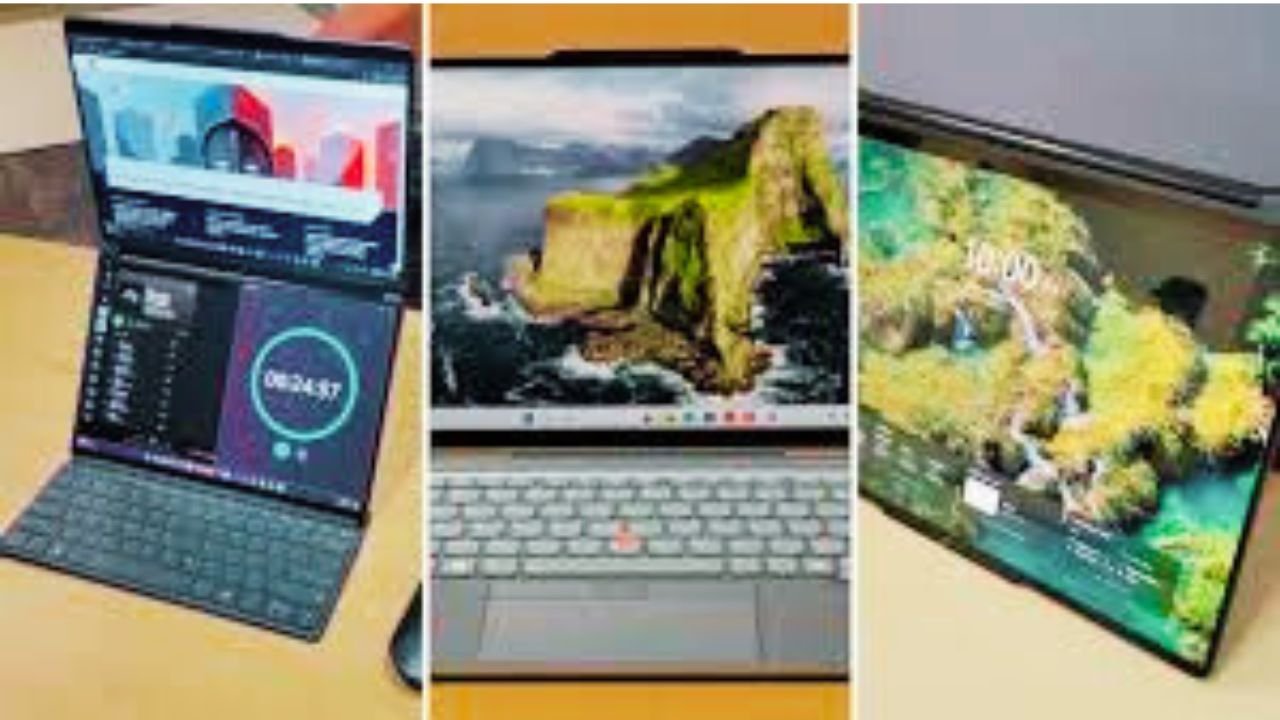
- Some models are 2‑in‑1 convertible or even foldable.
- Great choice for executives, frequent travelers, and professionals who want top performance and portability.
ThinkPad T Series Business Workhorses
- Most classic ThinkPad lineup built for work and productivity.
- Balanced performance, strong security features, and long battery life.
- Excellent choice for office work, students, professionals, and daily use.
- ThinkPad P Series Mobile Workstations
- Desktop‑class performance in a laptop form.
- Built for engineers, designers, 3D modeling, video editing, and heavy workflows.
- Can be set up with dedicated workstation-grade GPUs and potent CPUs.
ThinkPad E Series Affordable Business Laptops
- More budget‑friendly models within the ThinkPad family.
- Good for small businesses, students, and everyday tasks without extra premium features.
- Slightly lower specs and features than T or X series but still reliable.
Other ThinkPad Sub‑Lines
- ThinkPad X Series smaller and lighter than T series, great for mobility.
- ThinkPad Z Series modern designs, some with AMD processors.
Main Differences at a Glance
| Series | Best For | Key Traits |
| X1 Series | Premium business, travel | Ultra‑thin, light, high end |
| T Series | Everyday productivity | Balanced performance & durability |
| P Series | Professional workstations | Heavy‑duty power & graphics |
| E Series | Budget business | Affordable, solid basics |
| X Series | Mobility | Ultraportable with good battery |
ThinkPad Strengths
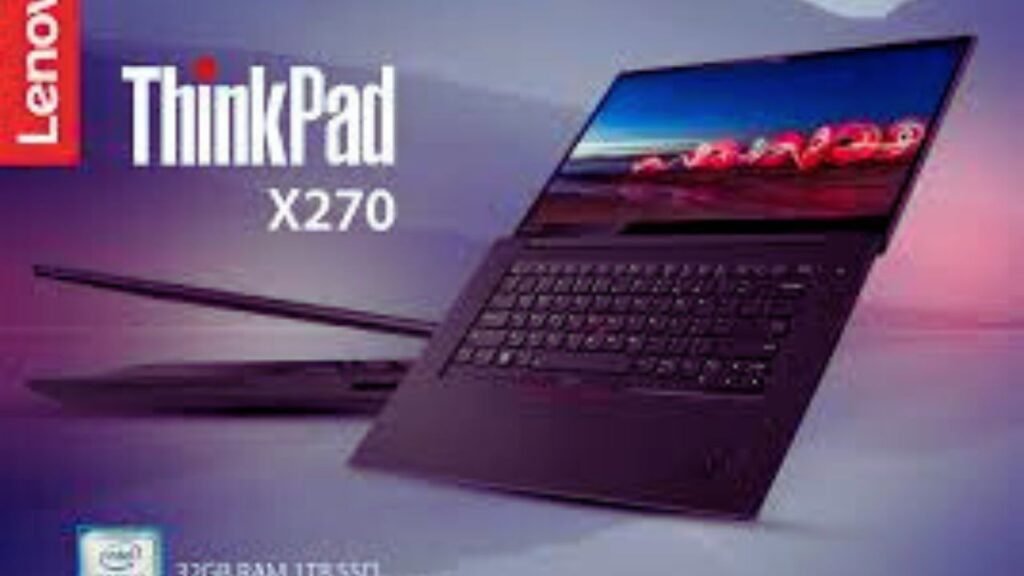
- Durability: Often tested against military‑grade durability standards.
- Security: ThinkShield hardware and software protection.
- Keyboards: Famous for comfortable typing experience.
- Business‑Ready: Many models come with business features like TPM security, vPro options, and docking support.
Summary
ThinkPads are excellent for business, professional work, and productivity and depending on your needs, you can choose:
- High performance on the go ➜ X1 Series
- Everyday workhorse ➜ T Series
- Heavy tasks & workstation ➜ P Series
- Budget‑friendly ➜ E Series
If you want specific model suggestions (e.g., for students, office work, or graphic design), tell me your budget and what you’ll use the laptop for!
Continue writing please
Sure! Let’s continue with more practical details about ThinkPad laptops and tips for choosing the right one.
ThinkPad Performance & Specifications
When choosing a ThinkPad, you should look at key hardware features that affect speed, multitasking, and overall usability.
Processor (CPU)
- Intel Core i5/i7/i9 (most common in X1, T, P series) great for business, multitasking, and content creation.
- AMD Ryzen 5/7 some newer ThinkPads (especially E and Z series) use Ryzen processors, offering strong performance at lower cost.
- Workstation-level CPUs in P series for heavy computing like 3D modeling or video rendering.
ThinkPad P SeriesProfessional workstationsHeavy‑duty power & graphics
Memory (RAM)
- 8GB sufficient for basic office tasks and students.
- 16GB recommended for professionals who multitask or use heavy software.
- 32GB+ for engineers, video editors, or developers running virtual machines.
Storage
- SSD (Solid State Drive) is standard, offering fast boot times and quick access to files.
- Typical options: 256GB, 512GB, 1TB, or larger.
- Some ThinkPads allow dual drives for extra storage.
Display
- Screen size: Usually 13” to 17” depending on the series.
- Resolution: FHD (1920×1080) is common; X1 series can go up to 4K OLED.
- Touchscreen / 2-in-1: Some X1 or Yoga variants offer touchscreens for flexibility.
Graphics
- Integrated graphics (Intel UHD or Iris Xe) good for office work, browsing, and light media.
- Dedicated graphics (NVIDIA Quadro / RTX in P series) required for CAD, design, gaming, or video editing.
Connectivity & Ports
ThinkPads are known for excellent port selection:
- USB-A, USB-C, HDMI, SD card readers, Ethernet (T series and P series)
- Thunderbolt 4 (X1 and high-end models)
- Optional LTE/5G modules for mobile internet on the go.
- Security & Business Features
Whether you choose the X, T, or P series, a ThinkPad is a great investment.
ThinkPads excel in business and enterprise environments:
- ThinkShield security: Built-in hardware and software protection.
- Fingerprint readers and IR cameras: For secure login.
- TPM 2.0 module: Encrypts sensitive data.
- Docking support: Connect multiple monitors and peripherals easily.
Portability & Battery Life
- X1 Carbon / X1 Yoga: Extremely lightweight (around 2.5 lbs / 1.1 kg) and ultra-thin; battery life 12–20 hours.
- T Series: Slightly heavier but durable; battery life 10–15 hours.
- P Series: Heavier, workstation-class performance; battery life 6–10 hours depending on configuration.
ThinkPad Pros & Cons
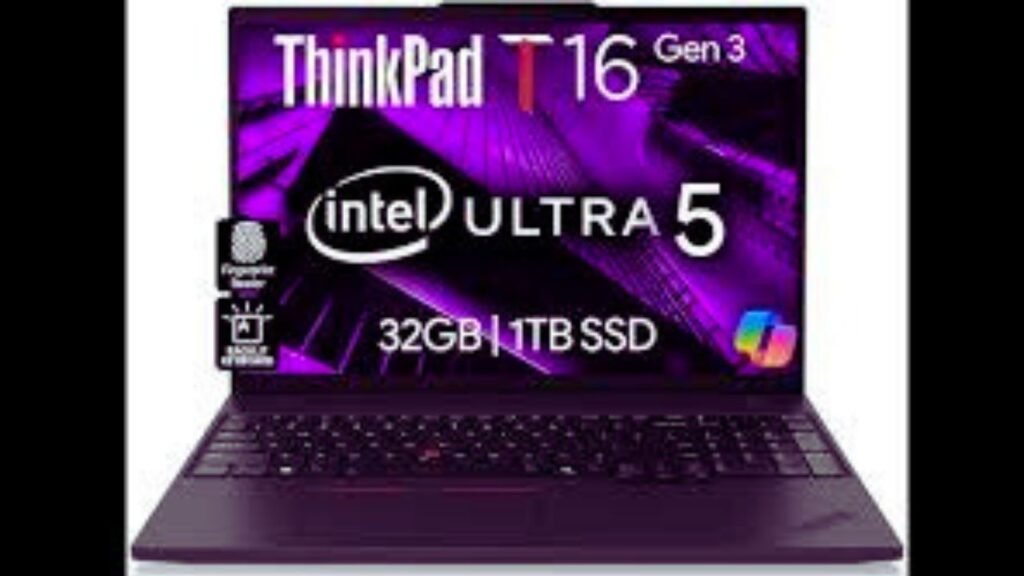
Pros:
- Legendary keyboard comfort.
- Extremely durable; often passes MIL-STD 810H tests.
- Excellent battery life in X1 and T series.
- Highly customizable hardware and configuration options.
- Strong business/security features.
Cons:
- Design may feel “plain” compared to sleek consumer laptops.
- Premium models (X1, P series) can be expensive.
- Heavier models (P series) are less portable.
Which ThinkPad to Choose?
| Usage | Recommended Series | Notes |
| Students / Everyday Use | E Series | Affordable, reliable, decent performance |
| Office / Business | T Series | Balanced features, strong security, long battery life |
| Executives / Travel | X1 Series | Ultra-light, premium, long battery, high-res display |
| Professional Design / Engineering | P Series | Workstation-level CPU/GPU, powerful for CAD and rendering |
If you want, I can also create SEO-friendly//tech.linksentu.xyz/ on your site in a similar format. Do you want me to do that?
With features like ThinkShield, the ThinkPad excels in security.